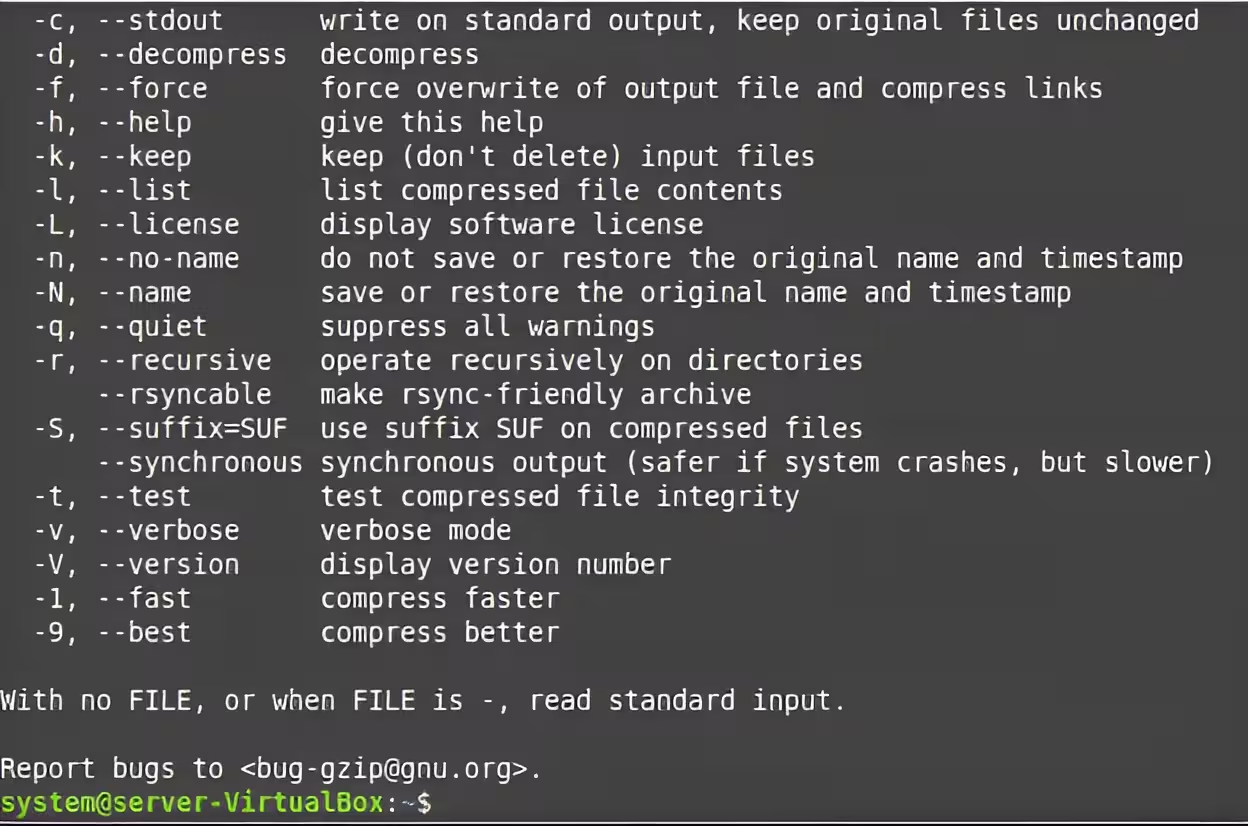






The tar command in Linux is used to create, extract, and manage archive files (often called “tarballs”). It combines multiple files or directories into a single archive file, optionally compressing them to save space. While tar itself doesn’t compress data, it integrates with tools like gzip, bzip2, and xz for compression.
Contents
- Create a Basic Archive
- Extract an Archive
- Create a Gzip-Compressed Archive
- Extract a Gzip Archive
- Create a Bzip2-Compressed Archive
- List Contents of an Archive
- Add Files to an Existing Archive
- Extract a Specific File
- Exclude Files During Archiving
- Create an Archive with Wildcards
- Extract to a Specific Directory
- Create a Compressed Archive with XZ
- Verify Archive Integrity
- Incremental Backups
- Split an Archive into Multiple Files
Common use cases include backups, software distribution, and transferring groups of files efficiently.
Create a Basic Archive
tar -cvf archive.tar /path/to/directory-c: Create a new archive.-v: Verbose output (shows files being added).-f: Specify the archive filename (archive.tar).
Extract an Archive
tar -xvf archive.tar-x: Extract files.-v: Verbose output.-f: Specify the archive to extract.
Create a Gzip-Compressed Archive
tar -czvf archive.tar.gz /path/to/directory-z: Compress the archive using gzip (ideal for speed and moderate compression).
Extract a Gzip Archive
tar -xzvf archive.tar.gz-z: Decompress the gzip archive during extraction.
Create a Bzip2-Compressed Archive
tar -cjvf archive.tar.bz2 /path/to/directory-j: Use bzip2 for higher compression (slower but more efficient).
List Contents of an Archive
tar -tvf archive.tar-t: List files without extracting them.
Add Files to an Existing Archive
tar -rvf archive.tar newfile.txt-r: Appendnewfile.txttoarchive.tar(works only on uncompressed archives).
Extract a Specific File
tar -xvf archive.tar path/to/file.txtExtracts only `file.txt` from the archive.
Exclude Files During Archiving
tar -cvf archive.tar --exclude="*.tmp" /path/to/directorySkips files ending with .tmp.
Create an Archive with Wildcards
tar -cvf logs.tar *.logArchives all `.log` files in the current directory.
Extract to a Specific Directory
tar -xvf archive.tar -C /target/directory-C: Extracts files to/target/directory.
Create a Compressed Archive with XZ
tar -cJvf archive.tar.xz /path/to/directory-J: Uses xz for maximum compression (best for large files).
Verify Archive Integrity
tar -tvfW archive.tar-W: Verifies files after writing (for uncompressed archives).
Incremental Backups
tar -g snapshot.snar -czvf backup.tar.gz /path/to/directory-g: Creates an incremental backup using a snapshot file (snapshot.snar).
Split an Archive into Multiple Files
tar -cvzf - /path/to/directory | split -b 100M - archive_part.tar.gz. Splits the archive into 100MB parts (useful for storage limits).
Key Notes:
- Compression Options:
.tar.gz(gzip): Fast and widely supported..tar.bz2(bzip2): Better compression, slower..tar.xz(xz): Best compression, slowest.- Overwrite Risks: Extracting archives may overwrite existing files. Use
--keep-old-filesto prevent this. - Permissions: Use
sudoto preserve ownership/permissions (e.g.,sudo tar -czvf).